Client Communication
AI-assisted enquiry replies, follow-up messages, onboarding notes, FAQs, and email drafts that still sound human.
AI Workflow / Small Business
I help small business owners, creators, and service-based teams turn repetitive work into simple AI-assisted workflows: saving time, reducing admin, and improving client communication.
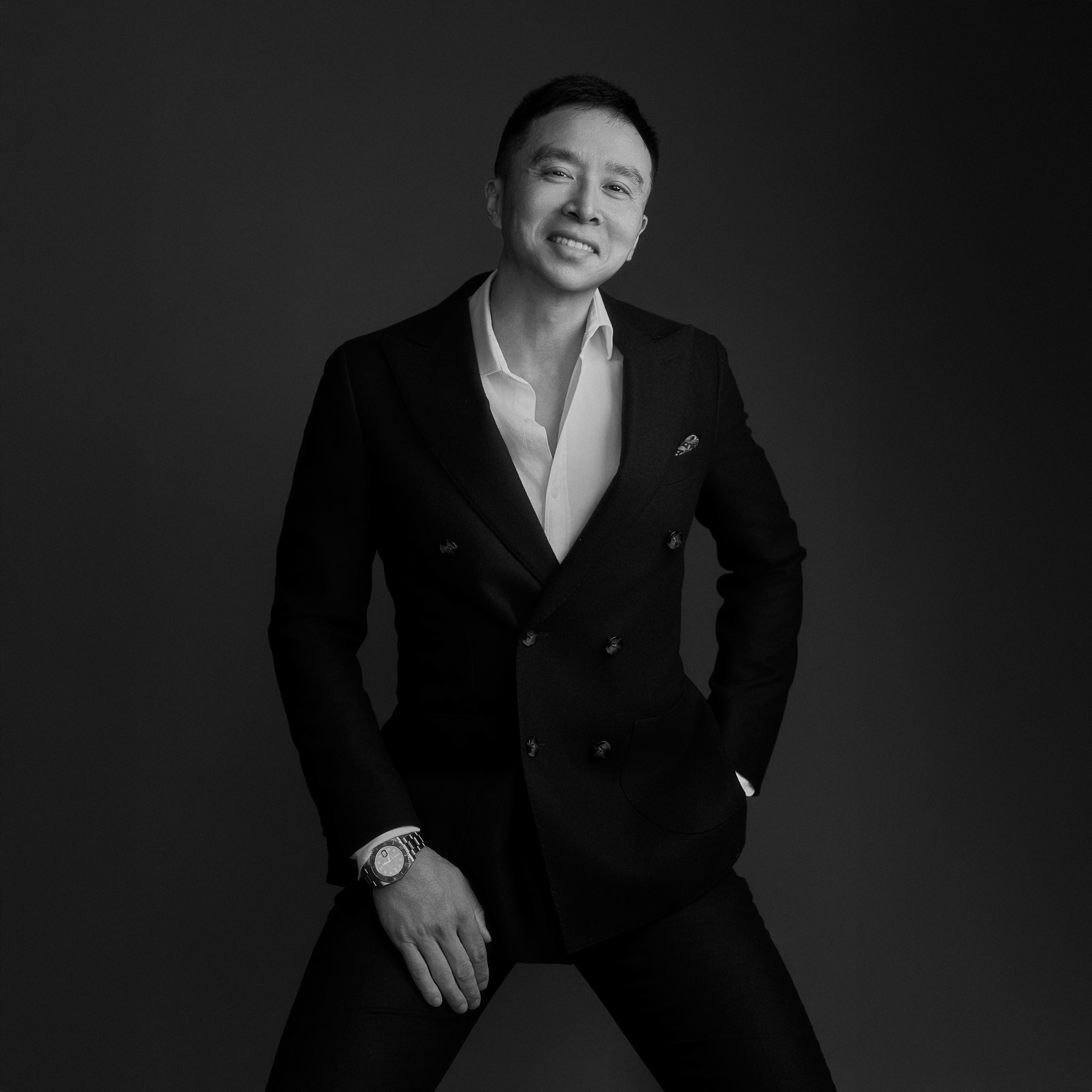
University lecturer, creative technologist and AI workflow builder based in Sydney. My background combines computing, multimedia education, visual design and professional creative production.
 ChatGPT
 Gmail
Gmail
 Instagram
 Facebook
 WeChat
 WhatsApp
 XHS
XHS
The problem
Time gets lost in repeated replies, manual follow-ups, scattered notes, spreadsheets, client messages, content planning, admin documents, and information living in too many places.
AI becomes useful when it is connected to the real workflow of the business, not when it stays as another chatbot window.
What I build
AI-assisted enquiry replies, follow-up messages, onboarding notes, FAQs, and email drafts that still sound human.
Capture enquiries, summarise client needs, log leads, suggest next actions, and prepare response drafts with relevant portfolio examples.
Turn shoot notes, product information, events, services, or voice notes into captions, emails, blog outlines, and content plans.
Reduce copying, sorting, tagging, scheduling, document preparation, renewal reminders, and repeated business admin.
Create searchable internal systems across your own documents, past replies, policies, checklists, and business notes.
For photographers, creators, and studios: streamline shoot planning, client prep, delivery emails, image notes, and portfolio organisation.
Examples
Summarise client needs, draft a reply, and recommend relevant portfolio images or links before you respond.
Track approved public sources or owned channels where permitted, surface useful leads, and prepare non-sending reply drafts for review.
Turn shoot notes or campaign material into posts, captions, reply suggestions, and follow-up email drafts.
Prepare renewal reminder emails and PDFs, organise client records, and check available ASIC/API status signals on a timed follow-up schedule where access allows.
Classify, summarise, and retrieve client briefs, tax documents, company renewal files, contracts, and internal notes.
Connect enquiry details, shoot planning, delivery emails, portfolio image matching, and social content repurposing.
Why Aries
I work across photography, creative production, AI workflow building, and university teaching in computing. That means I understand both the human side of client-facing work and the technical side of structuring systems.
Process
We talk through your current process, pain points, tools, and repetitive tasks.
I identify where AI or automation can realistically save time.
We build a simple working version using tools that fit your business.
We improve the workflow, document how to use it, and make it practical for daily work.
Ways to work together
A focused consultation to review your current workflow and identify automation opportunities.
Start with an auditMap one workflow and build a small working prototype for enquiry handling, content workflow, documents, or follow-up.
Build a prototypeA deeper build day for connecting tools, structuring data, refining prompts, testing the workflow, and documenting usage.
Plan a build dayFAQ
No. The goal is to make the workflow simple enough to use in daily business.
Not always. Many workflows can be built around tools you already use: Gmail, Google Drive, spreadsheets, forms, calendars, documents, and messaging platforms.
No. It is useful for many small businesses, but I have a strong advantage with creative, content, education, and service-based workflows.
No. The goal is to reduce repetitive admin and help people respond faster, organise better, and make better use of their time.
Contact
Tell me what part of your business feels repetitive, messy, or time-consuming, and I will help you explore what can be automated.
 Docs
Docs Calendar
 Make
Make n8n
n8n